1.Xml Bean注入
加载对象Bean方法
ClassPathXmlApplicationContext context=new ClassPathXmlApplicationContext("classpath:spring-context.xml");
Person p1=context.getBean(Person.class);
或者注解根据xml的bean id来创建,并将其强转一下
    ClassPathXmlApplicationContext context=new ClassPathXmlApplicationContext("classpath:spring-context.xml");
    Person p1=(Person) context.getBean("person");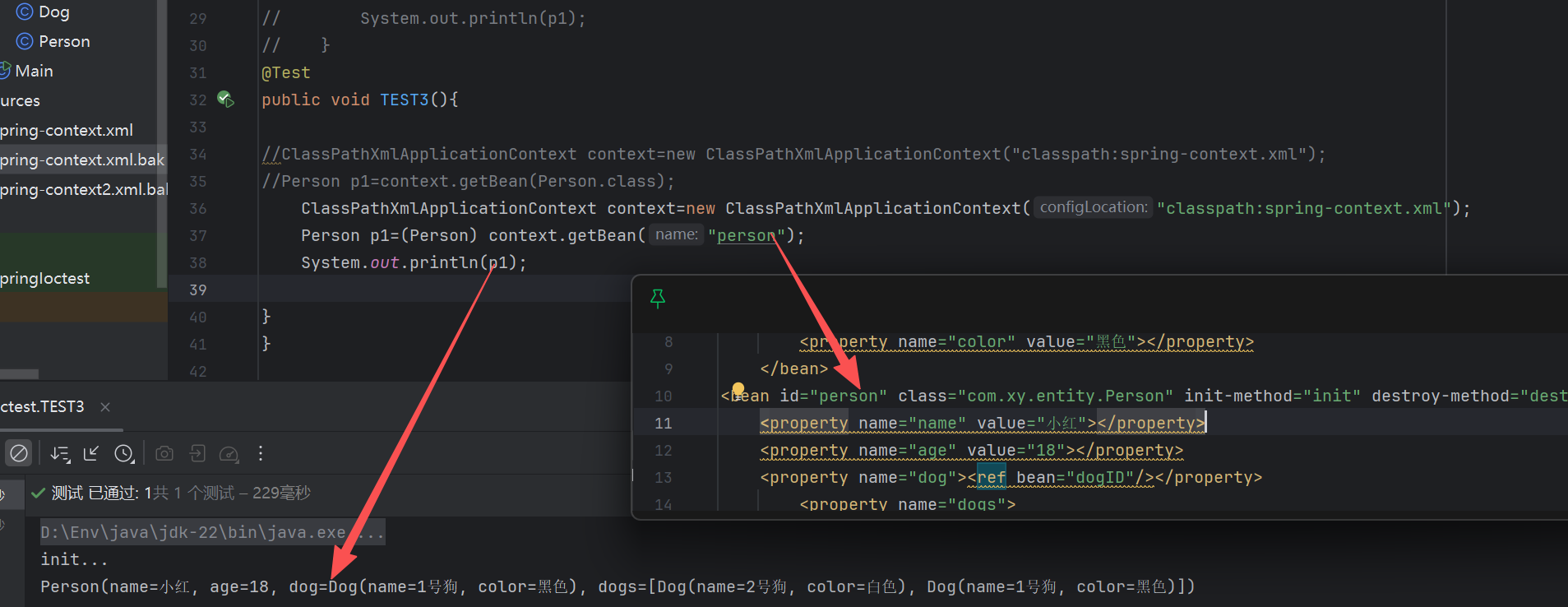
默认配置
属性注入的方式
<?xml version="1.0" encoding="UTF-8"?>
<beans xmlns="http://www.springframework.org/schema/beans"
       xmlns:xsi="http://www.w3.org/2001/XMLSchema-instance"
       xsi:schemaLocation="
       http://www.springframework.org/schema/beans http://www.springframework.org/schema/beans/spring-beans.xsd">
    <bean id="person" class="com.xy.entity.Person" primary="true"/>
</beans>
初始化参数配置
    <bean id="person" class="com.xy.entity.Person" primary="true">
        <property name="name" value="小白"></property>
        <property name="age" value="18"></property>
        <property name="address" value="贵州"></property>
    </bean>
测试
    @Test
    public void comp(){
        ClassPathXmlApplicationContext context=new ClassPathXmlApplicationContext("classpath:spring-context.xml");
        Person p1=context.getBean(Person.class);
        System.out.println(p1);
    }
其它类型
        <property name="subject">
            <list>
                <value>语文</value>
                <value>数学</value>
                <value>英语</value>
            </list>
        </property>
        <property name="hobby">
            <set>
                <value>篮球</value>
                <value>足球</value>
                <value>跑步</value>
            </set>
        </property>
        <property name="score">
            <map>
                <entry key="语文" value="90"></entry>
                <entry key="数学" value="90"></entry>
                <entry key="英语" value="90"></entry>
            </map>

        </property>
构造方法注入
根据构造方法的参数索引值进入注入
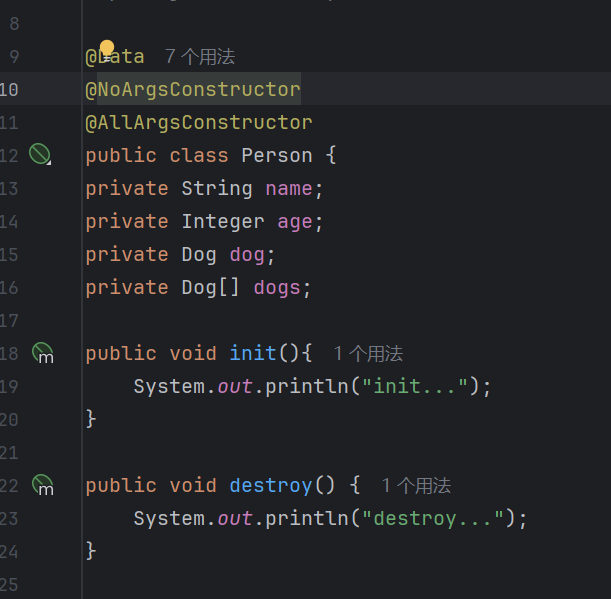
需要提前在实体类增加参数构造注解
@NoArgsConstructor
@AllArgsConstructor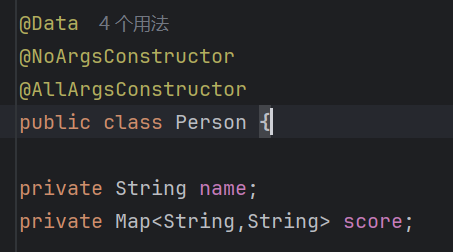
使用
<constructor-arg index="0" value="xxx"/>
如果是集合或者其它数组
<constructor-arg index="0">
<map>....</map>
</constructor-arg>
<bean id="person" class="com.xy.entity.Person" primary="true">
<constructor-arg index="0" value="光头强"/>
<constructor-arg index="1">
<map>
<entry key="语文" value="90"></entry>
<entry key="数学" value="90"></entry>
<entry key="英语" value="90"></entry>
</map>
</constructor-arg>
</bean>
根据字段的名称进行属性注入
<bean id="person" class="com.xy.entity.Person">
<constructor-arg name="name" value="熊二"/>
<constructor-arg name="age" value="18"/>
</bean>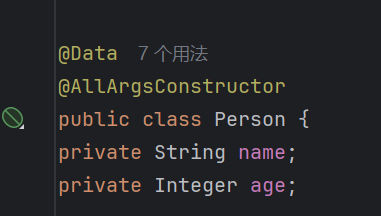
Person(name=熊二, age=18)
ref的使用
<ref bean="xxxx"/><?xml version="1.0" encoding="UTF-8"?>
<beans xmlns="http://www.springframework.org/schema/beans"
xmlns:xsi="http://www.w3.org/2001/XMLSchema-instance"
xsi:schemaLocation="
http://www.springframework.org/schema/beans http://www.springframework.org/schema/beans/spring-beans.xsd">
<bean id="dogID" class="com.xy.entity.Dog">
<property name="name" value="1号狗"></property>
<property name="color" value="黑色"></property>
</bean>
<bean id="person" class="com.xy.entity.Person">
<property name="name" value="小红"></property>
<property name="age" value="18"></property>
<property name="dog"><ref bean="dogID"/></property>
<property name="dogs">
<list>
<bean class="com.xy.entity.Dog">
<property name="name" value="2号狗"></property>
<property name="color" value="白色"></property>
</bean>
<ref bean="dogID"/>
</list>
</property>
</bean>
</beans>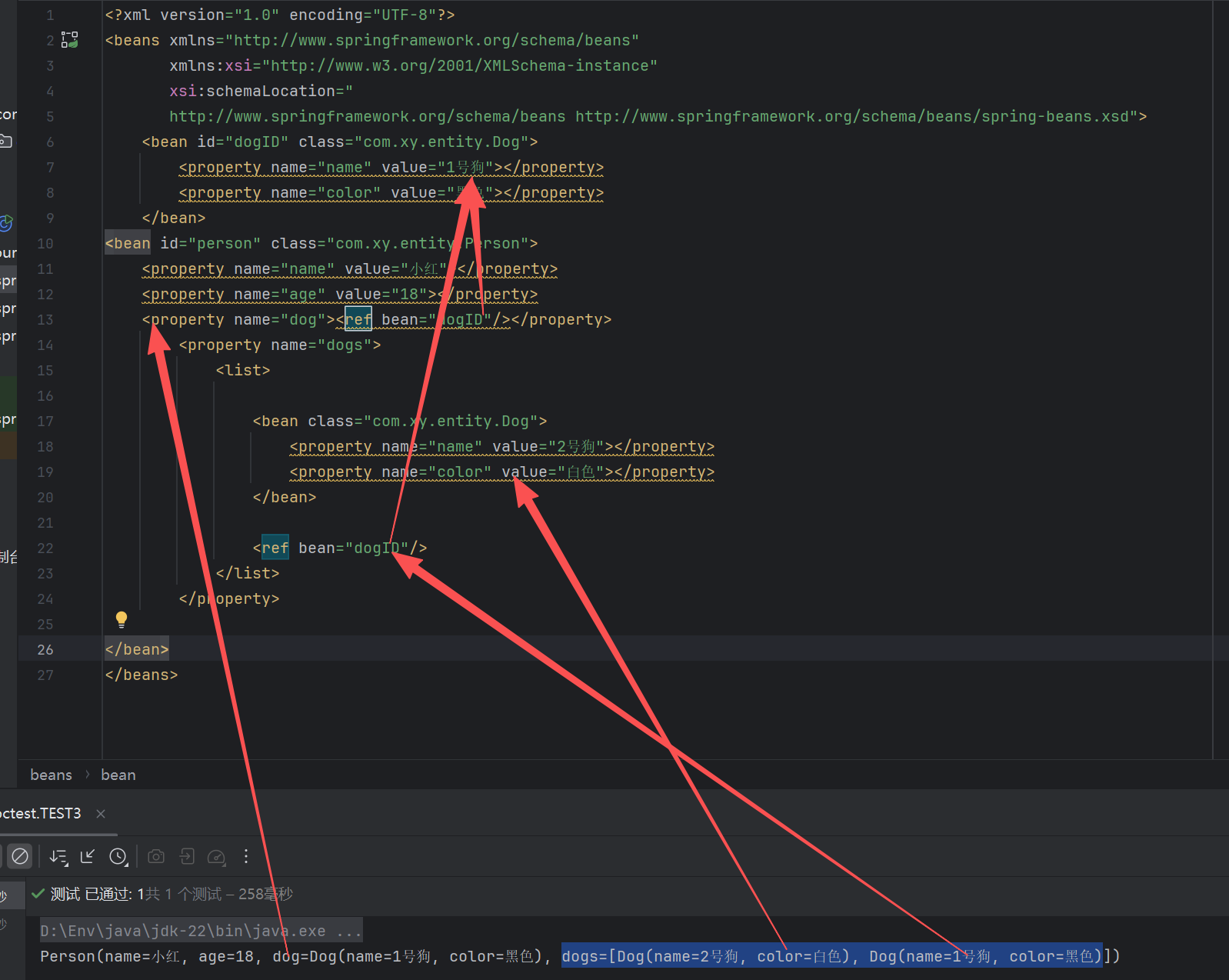
生命周期
<!--
     配置对象的生命周期
     init-method:表示对象初始化操作,  init表示写在Bean当中的方法的方法名称
     destroy-method:表示对象销毁操作, destroy表示写在Bean当中的方法
     -->
<bean id="person" class="com.xy.entity.Person" init-method="init" destroy-method="destroy">
初始调用
init-method="init"
销毁需要手动调用一下容器的关闭方法才可以触发
context.close();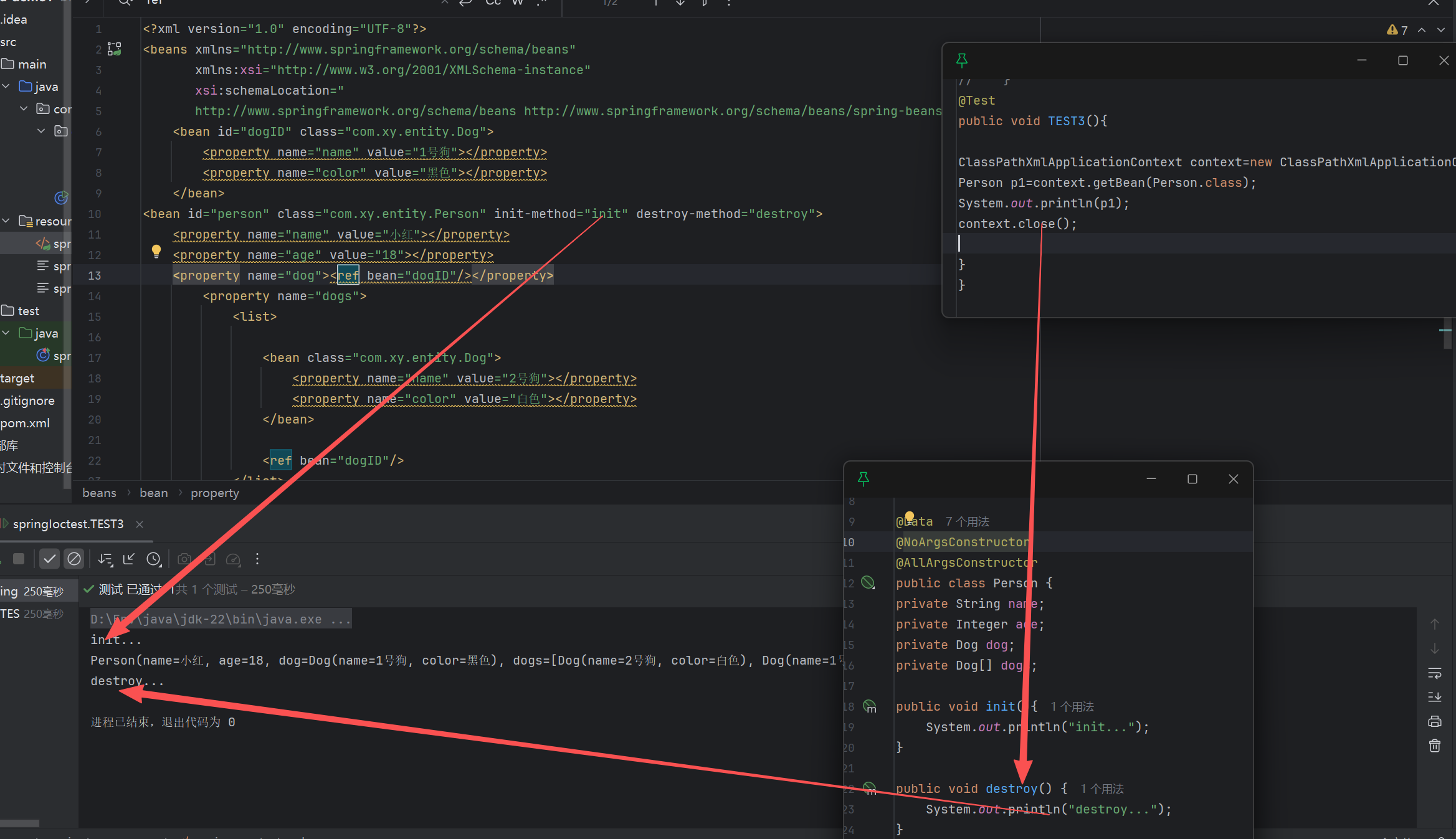
外部属性引用
使用
 <import resource="xxx"/>
来引入bean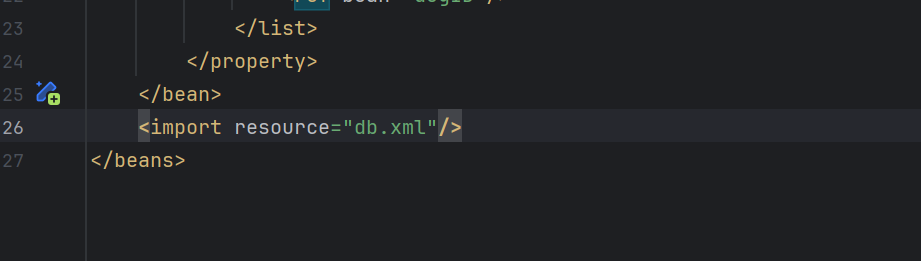
如果打包为jar包,写死的话配置改不了,所以使用properties文件引入
<?xml version="1.0" encoding="UTF-8"?>
<beans xmlns="http://www.springframework.org/schema/beans"
       xmlns:context="http://www.springframework.org/schema/context"
       xmlns:xsi="http://www.w3.org/2001/XMLSchema-instance"
       xsi:schemaLocation="
       http://www.springframework.org/schema/context http://www.springframework.org/schema/context/spring-context.xsd
       http://www.springframework.org/schema/beans http://www.springframework.org/schema/beans/spring-beans.xsd">
    <context:property-placeholder location="db.properties"/>
    <bean name="dataSource" class="com.mysql.cj.jdbc.MysqlDataSource">
        <property name="url" value="${s.url}"></property>
        <property name="user" value="${s.username}"></property>
        <property name="password" value="${s.password}"></property>
    </bean>
</beans>
db.properties
s.url=jdbc:mysql:aws://localhost:3306/cvweb
s.username=root
s.password=123456
加载外部属性文件
<context:property-placeholder location="db.properties" />


评论已关闭