为什么使用路由?
它能让你在不刷新整个页面的情况下,根据 URL 的变化展示不同的组件内容,让应用像多页面网站一样切换视图,同时保持 SPA (Single Page Application)的流畅性。
安装vue-router

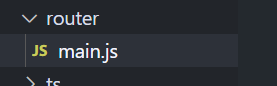
插件router规则
import { createRouter,createWebHistory } from 'vue-router'
const routes = [
    {
        path: "/p1",
        component:function(){
            return import("@/components/page1.vue")
        }

    },
    {
        path: "/p2",
        component:function(){
            return import("@/components/page2.vue")
        }

    }
]
const router = createRouter({
    history:createWebHistory(),
    routes
})
export default router
使用插件
去vue项目主目录main.ts使用该配置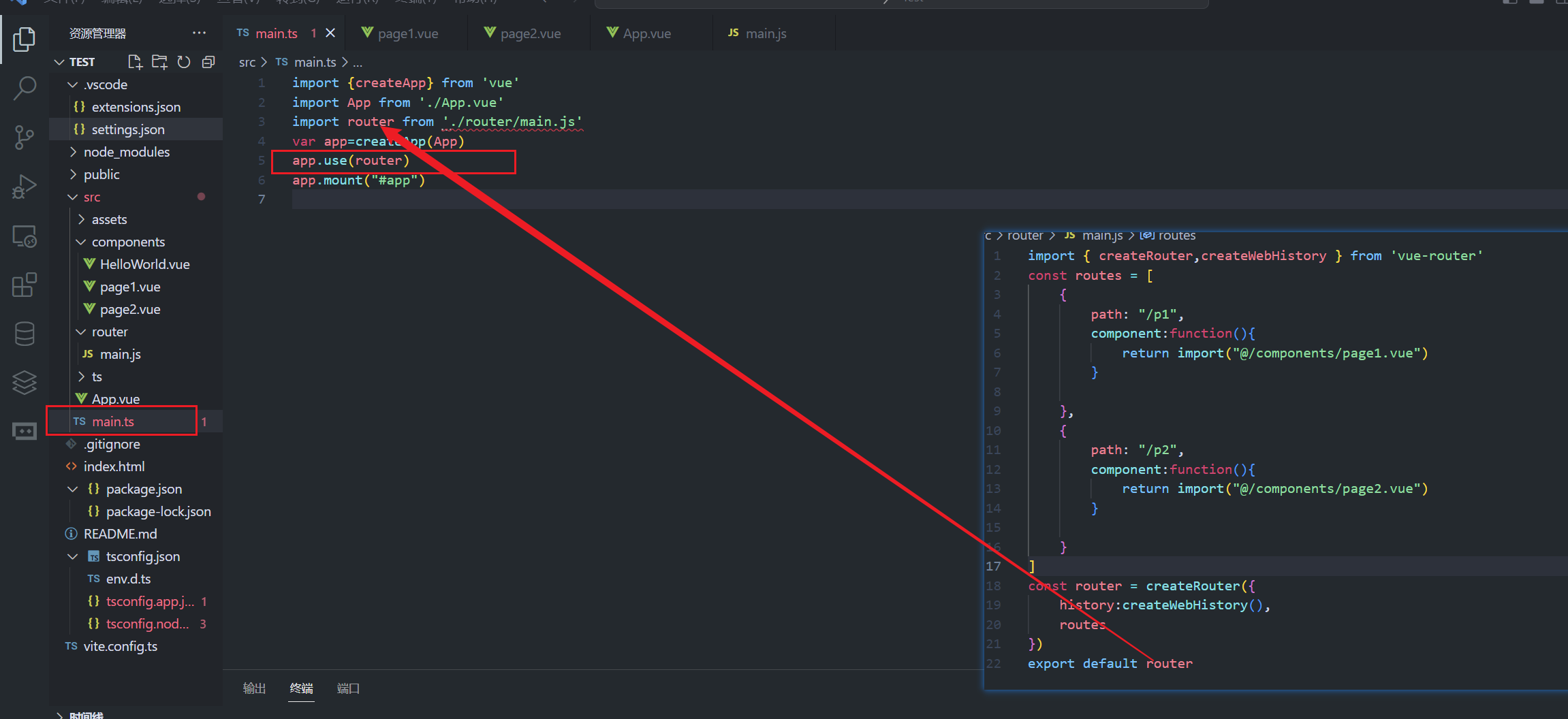
记得先使用(use),再挂载(mount)
在项目挂载在页面添加子路由出口
<router-view/>

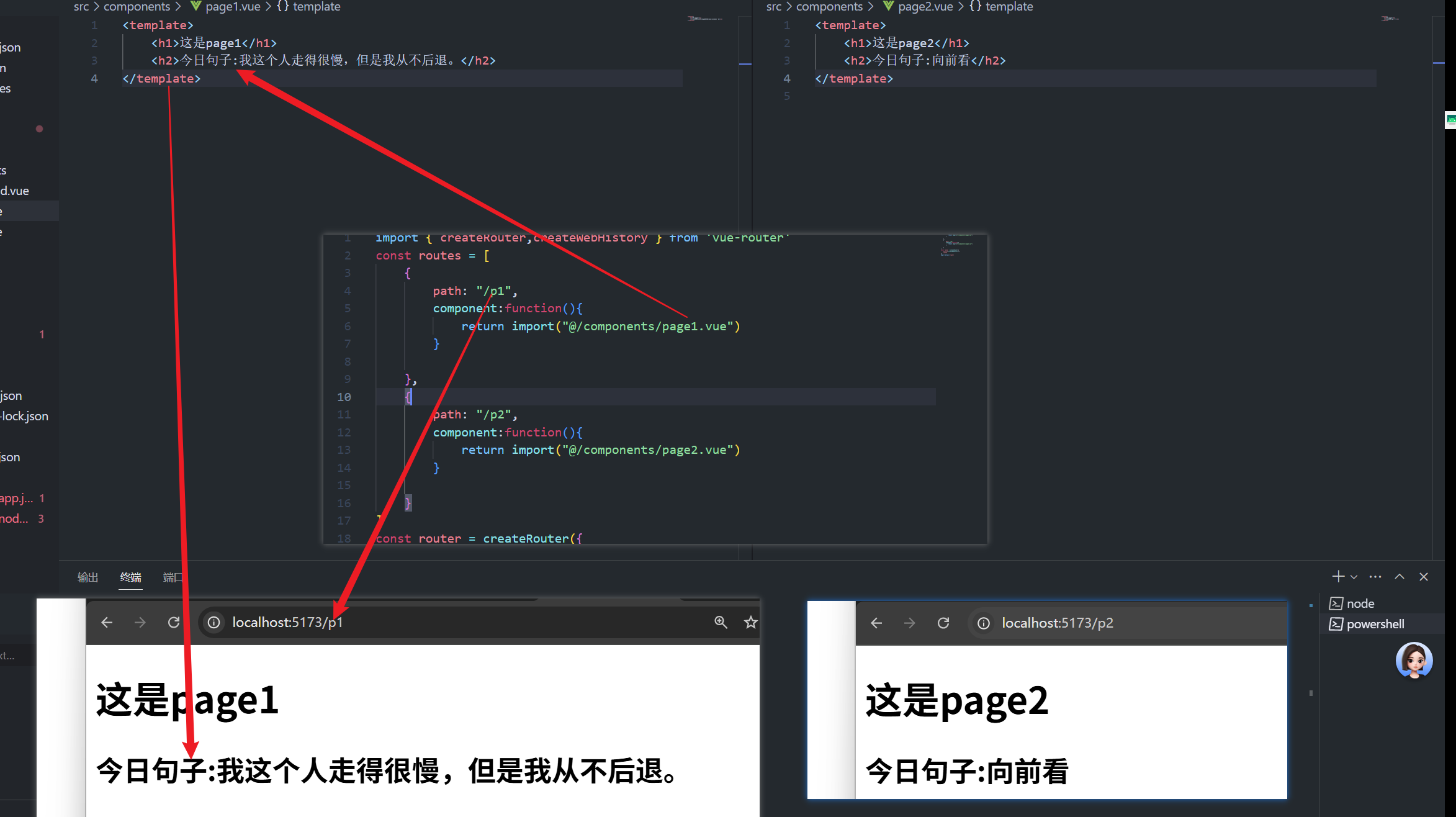
访问效果
其他扩展
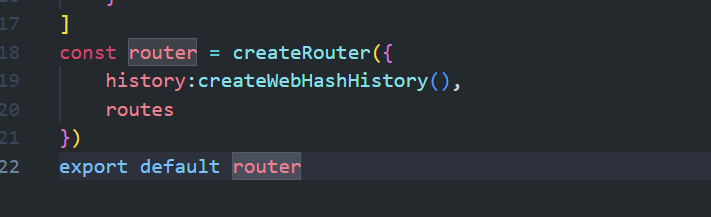
路由模式:createWebHistory() 是HTML5历史模式(无#),createWebHashHistory() 是哈希模式(带#)
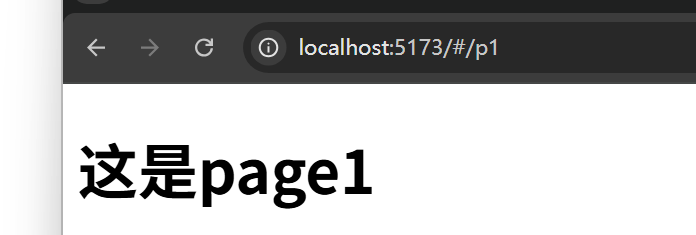
使用createWebHashHistory
如果使用createWebHashHistory,那么项目用了该路由,默认会在后面加一个#,后面的/即对于的路径,这个#是网站url的一种设计,后面路径更改,不会刷新重新加载网页,URL 中 # 后面的部分(如 #/p1)不会被发送到服务器,服务器只会接收到 http://example.com 这个请求
createWebHashHistory() 的核心作用是:在服务器无法配置或需要兼容旧浏览器时,通过 URL 哈希部分管理路由,确保单页应用的路由跳转正常工作,避免 404 错误。


评论已关闭